
Training/Hybrid Classroom & Multipurpose Rooms
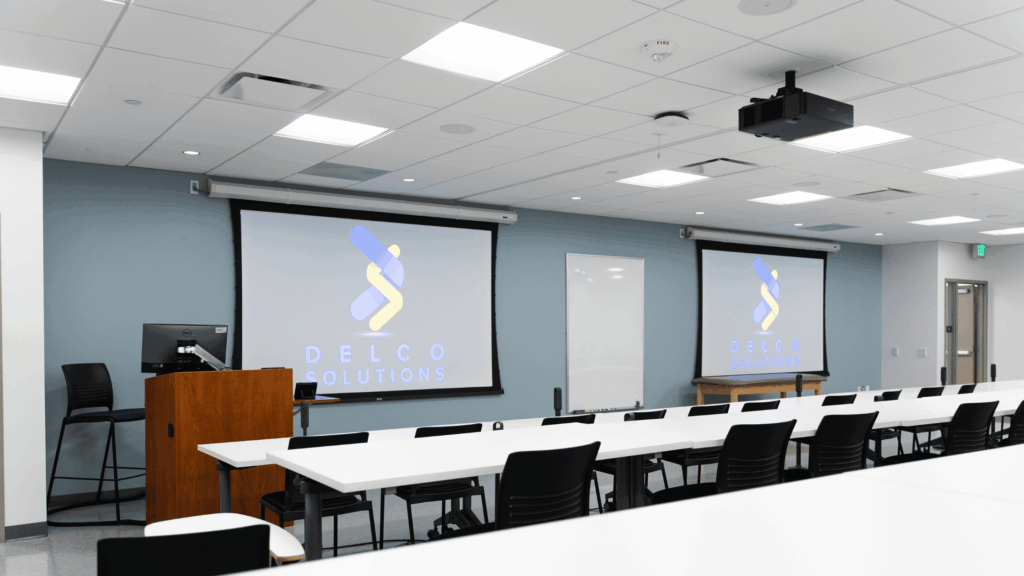
Key Highlights
- Flexible Room Design: Easily adapt the space for lectures, training sessions, workshops, or multi-use events.
- Hybrid-Ready Technology: Powerful cameras, microphones, and conferencing tools ensure remote and onsite learners have the same immersive experience.
- Interactive Learning Tools: Touchscreen displays, digital whiteboards, and wireless presentation systems boost engagement and collaboration.
- Superior Sound & Video: High-definition cameras and room-wide audio coverage ensure every participant is seen and heard clearly.
- Seamless Platform Integration: Fully compatible with Zoom, Microsoft Teams, Webex, Google Meet, and other training and learning platforms.
| ATTRIBUTE | DETAILS |
| Capacity | Varies — from 20 up to 50+ depending on layout |
| Typical Equipment | Projection system or large LED wall; cameras for stage + audience; microphone system (wireless, lavalier, audience mics); streaming/recording equipment; wireless presentation sharing; room partitioning systems; scheduling & signage. |
| RecommendedPlatforms | Zoom Webinar, Teams Live Event, Webex Events — plus AV broadcast or lecture capture systems. |
| Key Considerations | This is more like a hybrid event space than a simple meeting room: consider latency, content sharing, remote student/user experience, camera view to audience, mic pickup from audience. The design must accommodate both local and remote participants seamlessly. |